Chat Widget Best Practices for Support Teams

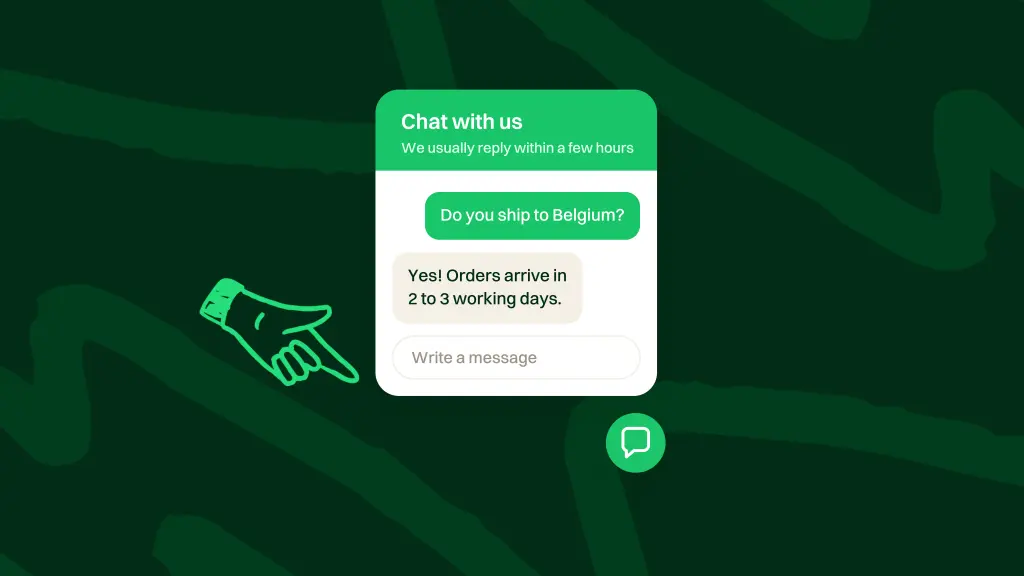
Chat widget best practices for support are how you place the widget, set honest availability, hand off to humans, and keep chat in the same helpdesk as email. They are not another “best widgets” shopping list.
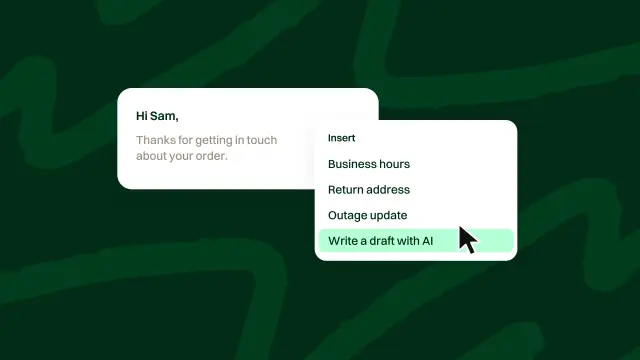
Most searches mix tool roundups with live-chat how-tos. Dropping a script on the site is the easy part. The hard part is how your team runs the channel once people start typing. There There, the AI helpdesk built by Spatie in Antwerp, Belgium, brings email and a chat widget into one workspace. On email, AI drafts replies for a person to edit and send. In the chat widget, AI answers visitors directly from your knowledge and past tickets, with a way to reach a person offered in every AI answer. Install steps stay in the product docs; this guide covers the operating practices.
Key takeaways
- A support chat widget is an on-site entry into your helpdesk, not automatically a promise of always-on live chat.
- Placement, hours, and handoff matter more than flashy triggers. Set expectations customers can trust.
- Keep chat and email in one workspace. Use AI for routine questions, with an easy route to people for upset customers, refunds, and edge cases.
What a support chat widget is
A support chat widget is an embeddable UI on your website or app that opens a path to help. A visitor opens it, asks a question, and that message lands in your support workspace as work your team can own.
Treat it as a support channel, not a marketing gadget that pops discounts. It is also not a substitute for written docs. Articles answer repeat questions; the widget catches people at the point of friction. For how knowledge compounds behind the scenes, see our guide to a knowledge base for customer support.
Live chat vs chat widget
Much of the bad advice around chat widgets comes from treating live chat and chat widgets as the same thing. They are not.
What buyers mean by live chat
Live chat usually means a staffing model: an agent is present, waiting on alerts, and expected to reply in near real time. Customers stay on the page and expect a back-and-forth until the problem is solved. If you cannot staff that queue, promising live chat sets you up to fail.
What a chat widget actually is
A chat widget is the on-site entry point. What happens behind it depends on your stack. You can staff it live during coverage hours. You can collect async messages and turn them into tickets. In There There, AI can answer visitors directly from your knowledge and past tickets. When a visitor asks for a person, a ticket is created with the full transcript.
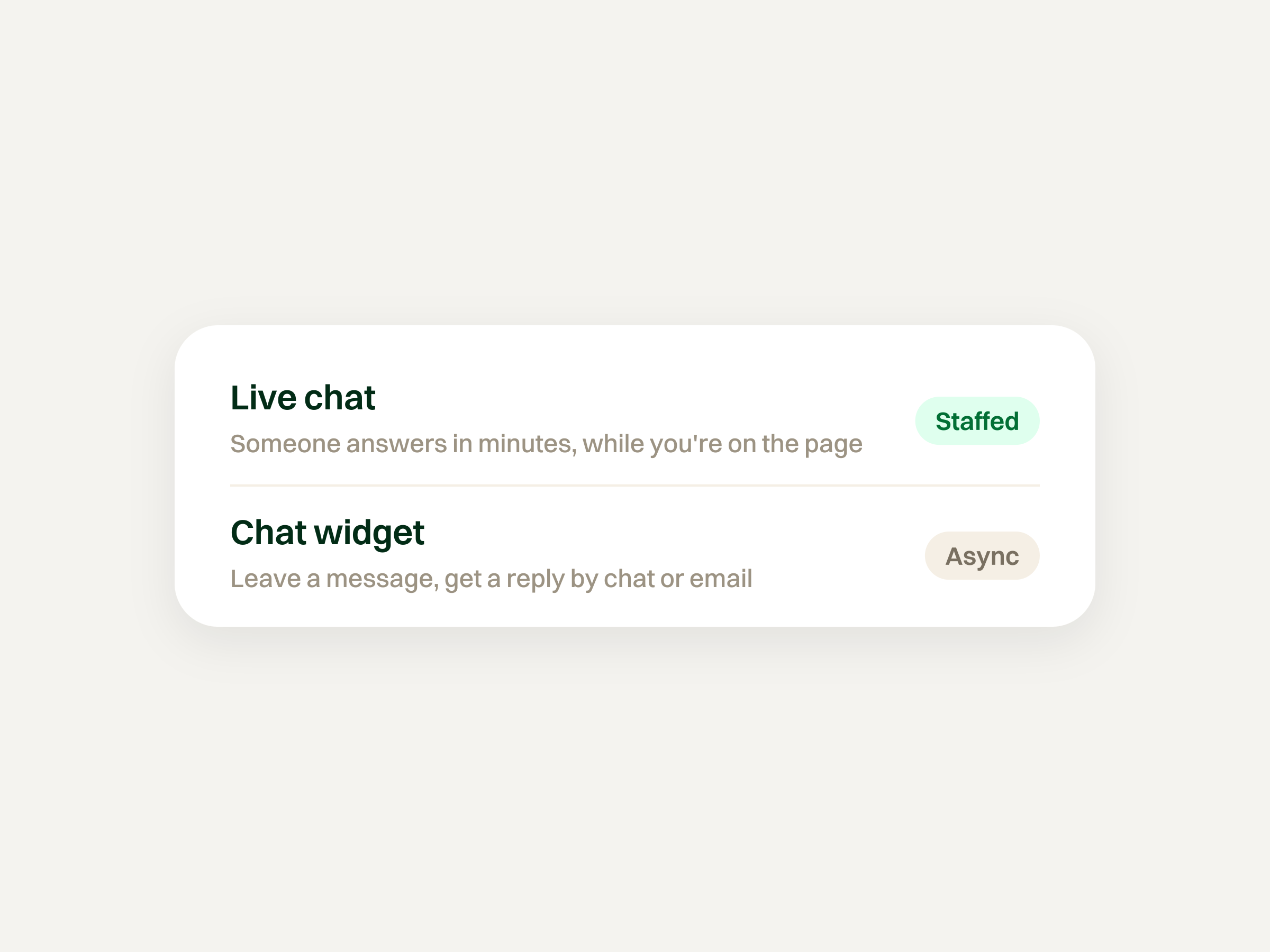
The widget being visible does not mean someone must stare at a chat console all day. Mixing those ideas creates fake SLAs and tired teams.
Placement, hours, and handoff
Three fundamentals matter more than clever animations: where it sits, when you claim to be there, and how context moves to a human.
Placement without clutter
Make the widget easy to find when someone is stuck, and quiet when they are reading or checking out. A corner control is familiar. A custom “Contact support” control that opens the widget also works when you want an intentional trigger.
Avoid collisions with cookie banners, sticky bars, and other overlays. Skip the bounce-and-chime greeting on every page view. A helpful chat widget waits; a needy one interrupts.
Hours and offline honesty
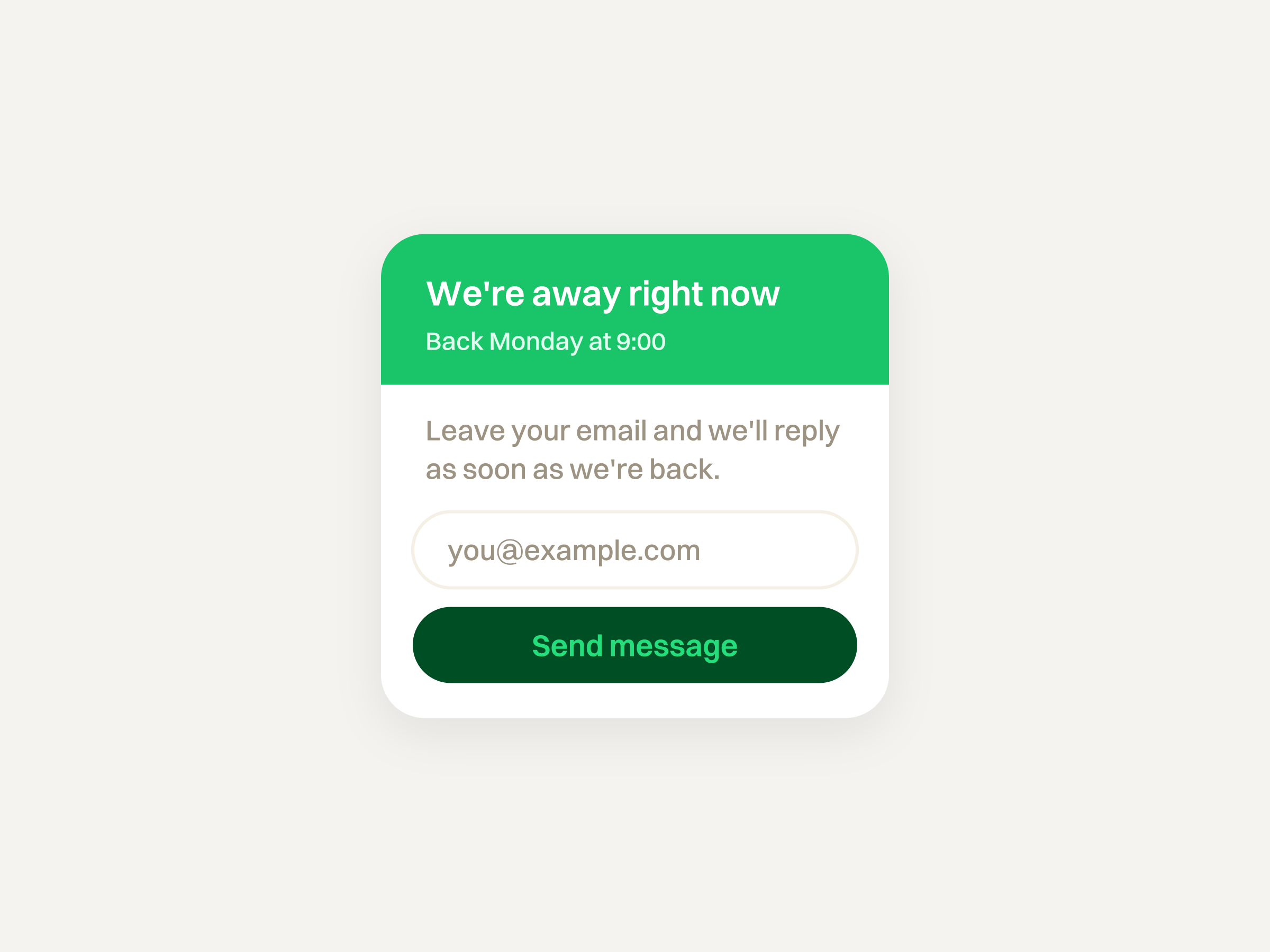
A green “We are online” light followed by long silence burns trust. State working hours in the widget. When the team is offline, say so. Collect the visitor’s email, say that the message was received, and give a realistic window for a human reply. Honest offline beats fake presence.
Handoff that keeps context
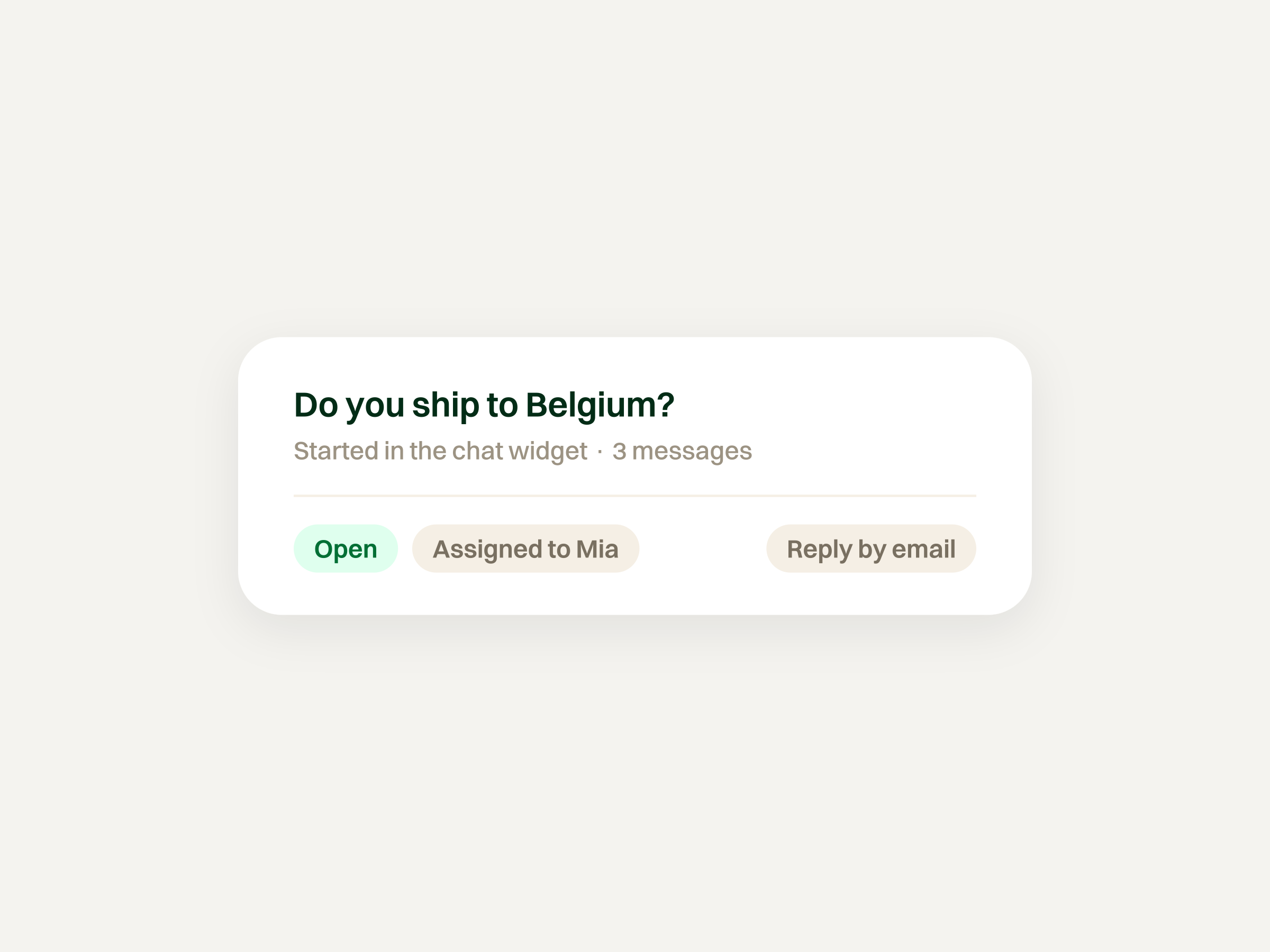
Every AI answer in There There’s chat widget offers a way to reach a person. Asking for one creates a ticket with the full transcript, so the customer does not need to explain the problem again. The team can reply in the widget or by email.
Unify the chat widget with your helpdesk
A standalone chat tool next to a separate email inbox splits history, metrics, and ownership. Agents juggle tabs. Chat gets ignored while email is “the real queue.”
Bringing email into a ticketed queue alongside the chat widget gives both channels the same ownership and history. Whether the request started as a formal email or a quick on-site question, it gets the same accountability. That is closer to a helpdesk than a loose shared mailbox. When agents support several products from one inbox, each chat needs clear product context so it reaches the right team with the right knowledge.
AI on the chat widget, with a route to a person
AI can handle routine questions while people handle upset customers, refunds, and edge cases. That fits a customer service philosophy built around helping customers get an answer and reach someone when they need more help.
In There There, AI chat is available on paid plans and is enabled by default in new chat widgets. It answers visitors directly from your team's knowledge, including docs, help articles, connected sources, and past tickets. A person does not review each answer before it goes out.
Every AI answer offers a way to reach a person. When a visitor asks for one, There There creates a ticket with the full transcript. Your team can continue the conversation in the widget or by email.
Knowledge grounding can reduce mistakes, but it cannot guarantee correct answers. Keep source material current and make sure the team can pick up conversations when visitors request help.
The chat widget currently does not tell visitors they are talking to AI before the first answer.
Email works differently: AI drafts replies on tickets, and a person edits and sends them. An AI helpdesk can use different approaches for different channels while keeping people available for the hard cases.
Behind the scenes, helpdesk automation helps with routing and tagging. When evaluating data handling, check the vendor's current documentation using the questions in our GDPR-compliant helpdesk guide.
Setup belongs in the docs
Exact install steps do not belong in an operating guide. Conceptually you embed a loader script, configure the channel, and let messages create tickets in your inbox.
For There There’s chat widget install and configuration, use the live docs: Support chat widget setup.
Frequently asked questions
Is a chat widget the same as live chat?
No. A chat widget is the on-site interface. Live chat means people are available to reply in real time. A widget can also collect messages for later replies or provide direct AI answers with a route to a person.
Should the chat widget stay open 24/7?
The control can stay visible so people can leave a message when they hit friction. Do not pretend humans are available around the clock if they are not. Show hours, set offline expectations, and collect an email for follow-up.
Where do chat widget messages go if we already use email support?
In a unified helpdesk they land in the same workspace as email: tickets with owners, tags, and history. Agents should not need a separate chat-only console for website visitors.
Can AI answer chat widget questions without a human?
Yes. In There There’s chat widget, AI answers visitors directly from your team's knowledge and past tickets, without human review before sending. Every AI answer offers a way to reach a person. Asking for one creates a ticket with the full transcript, and the team can reply in the widget or by email.
Where do we find install or setup steps for There There’s chat widget?
In the product docs: Support chat widget setup.
Is this a “best chat widgets” comparison?
No. This page is operating practice for a support chat widget, not a tool roundup.