GDPR Compliant Helpdesk: What Buyers Should Actually Check

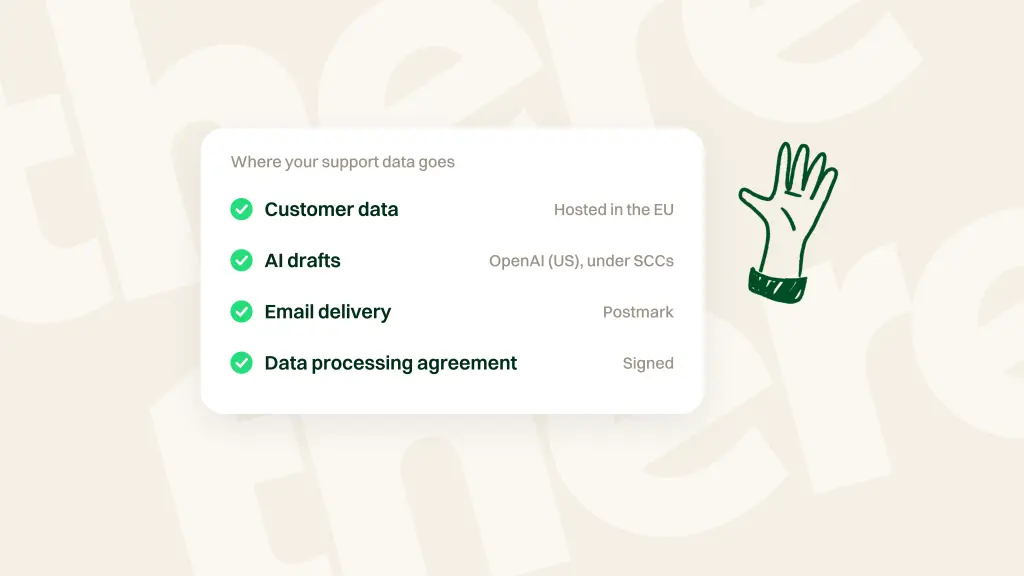
A GDPR compliant helpdesk is customer support software that lets you collect, store, and answer ticket and chat conversations containing personal data under GDPR rules, backed by a signed Data Processing Agreement (DPA), disclosed subprocessors, and operational controls for access, erasure, and security.
A compliance badge does not explain how a helpdesk handles personal data. Check what information it stores, which services process it, who can access it, and how customer requests are handled. AI adds another question: does it prepare drafts for agents or send answers directly?
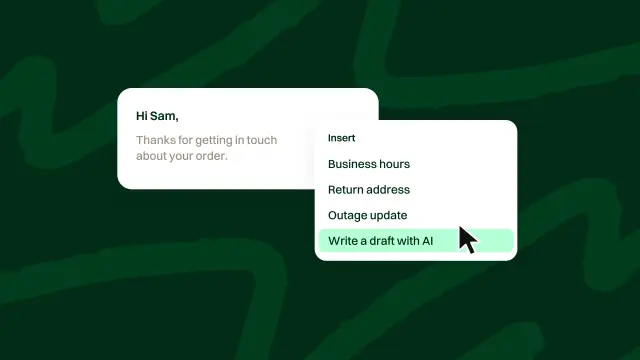
There There uses both approaches. On email tickets, AI drafts replies for a person to edit and send. In the chat widget, AI answers visitors directly from team knowledge and past tickets, with a way to reach a person offered in every answer. These differences matter when assessing exposure to incorrect or inappropriate replies, but neither human review nor human handoff establishes GDPR compliance on its own.
Key takeaways
- Evaluate the vendor's current documentation, contracts, and product controls rather than relying on a compliance badge.
- Check storage and processing separately, including what happens to conversation content when AI features run.
- Confirm the sending model for each channel. Email draft review and direct AI chat have different risks and handoff arrangements.
What GDPR means for a helpdesk
Support tickets and chat threads hold names, emails, addresses, phone numbers, order history, and whatever else customers paste in without thinking.
In plain terms, your company is usually the controller. You decide why support data is collected and how it should be used. The helpdesk vendor is typically a processor that handles those records on your instructions.
That relationship shows up in everyday support work:
- Access: a customer can ask for the personal data you hold, including support history.
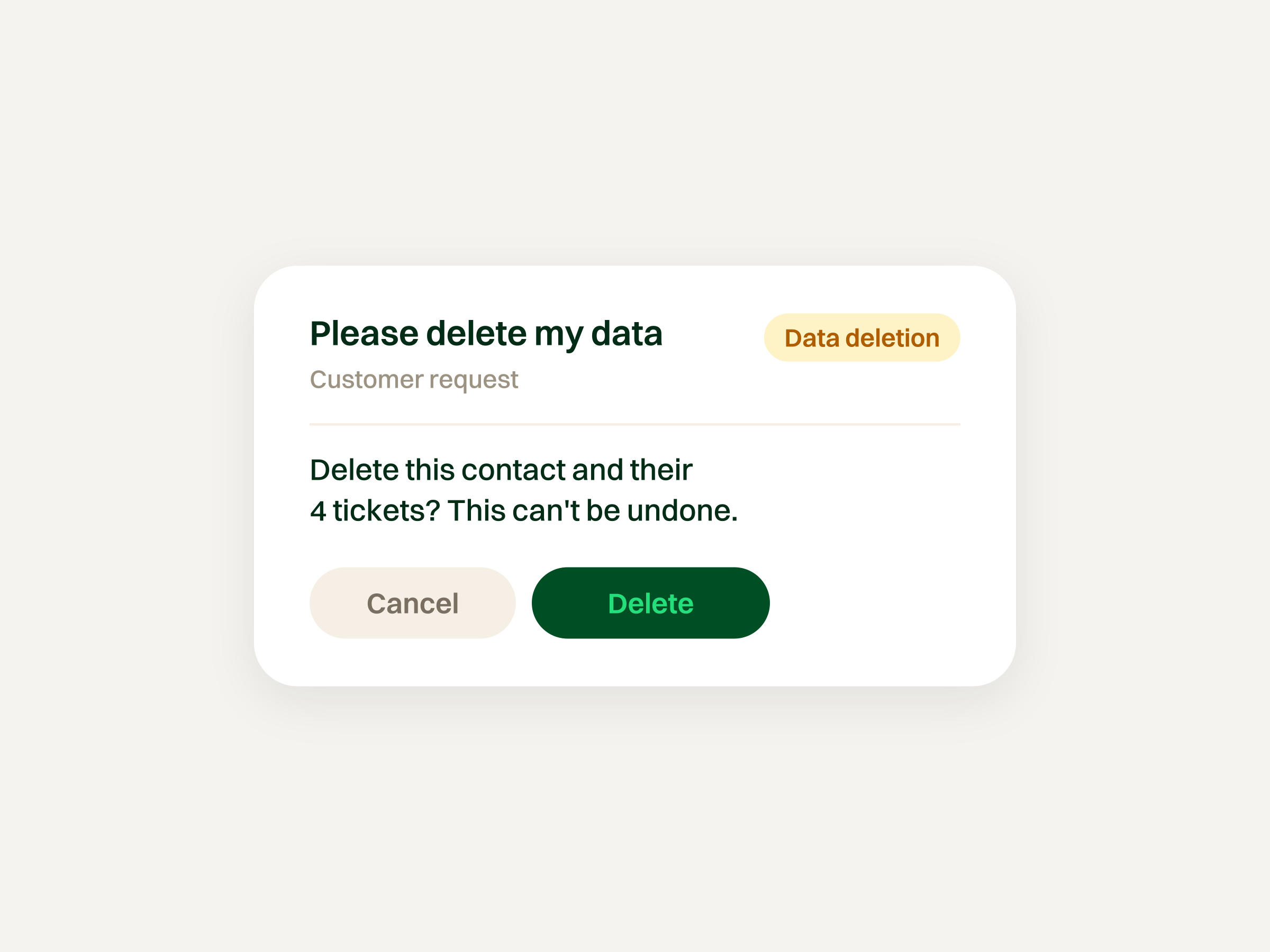
- Erasure: you need a clean way to delete or anonymize profiles and tickets when a valid request arrives.
- Portability: you need a reasonable export path for conversation context.
- Security: ticket contents should not leak to the wrong people, plugins, or unchecked integrations.
- Breach awareness: if support data is involved in an incident, the processor and controller need a clear reporting path.
You do not need a legal department to run a vendor check. You do need to know where marketing copy stops and operational reality begins. This is not legal advice; it is a practical buying filter.
Storage and processing are separate questions
A hosting statement describes only part of how a helpdesk handles customer information. Ask about the full path of a conversation, including storage, AI processing, email delivery, and connected integrations.
Stored support records
Check where the vendor stores ticket messages, customer profiles, attachments, and backups. Ask how access, retention, and deletion work across those records.
AI and email processing
Check which providers receive conversation content when AI drafts an email, answers a chat question, or summarizes a thread. Ask separately about the services involved in delivering email.
Request current documentation covering the providers involved, processing arrangements, retention, and any use of submitted content for model training. Do not infer those answers from a provider's name or a general hosting statement.
What to verify
Compare the vendor's hosting description with its subprocessor documentation and contractual terms. If they leave a gap, ask for clarification before relying on a claim about where data stays or how it is used.
Checklist: evaluating a GDPR compliant helpdesk
Look past badges. Check whether the product can support your obligations in daily use:
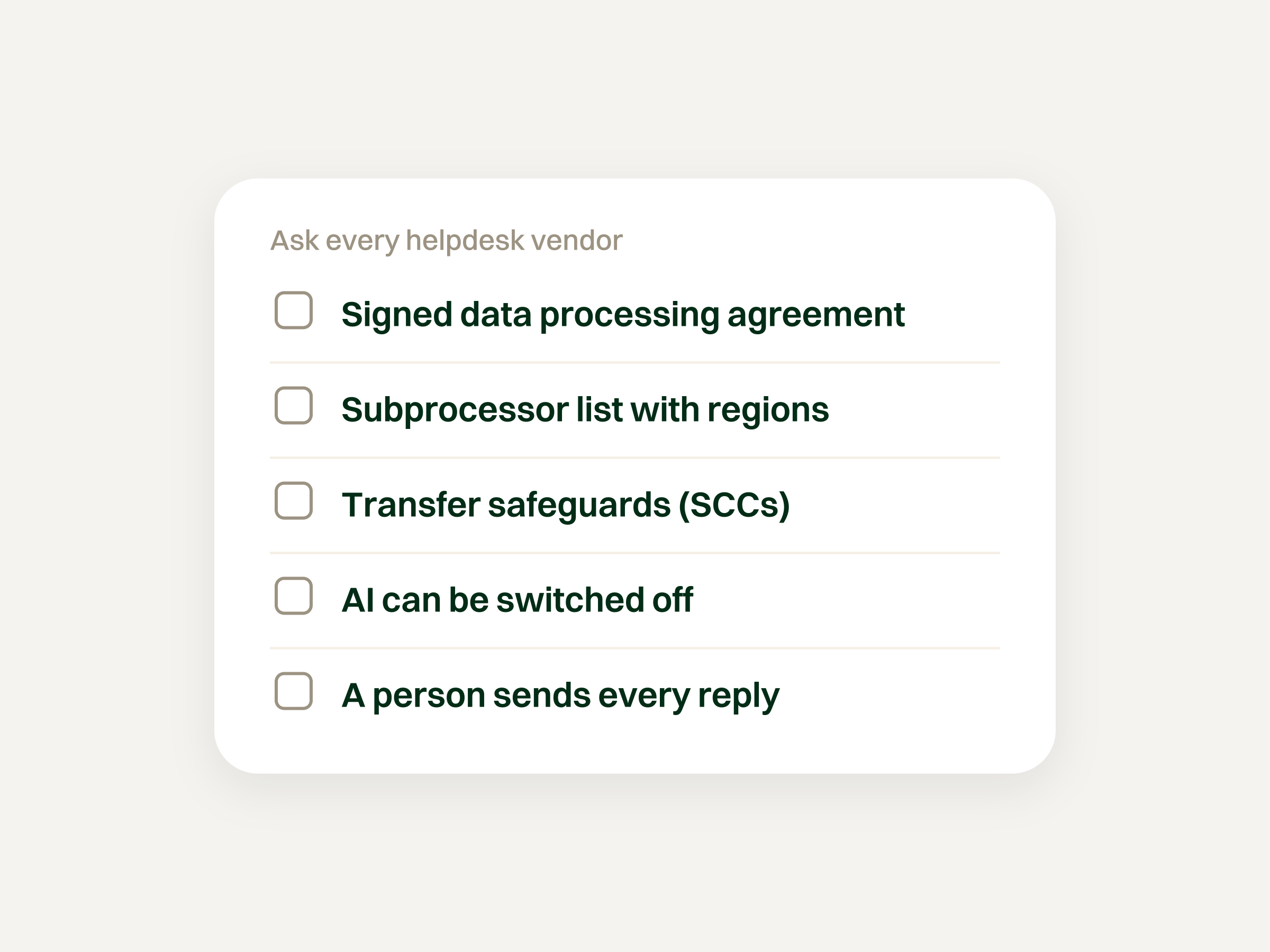
- A signed DPA that defines roles and technical measures
- A subprocessor list with regions (or an easy way to get one)
- Documentation of any international transfers and the safeguards relied upon
- Practical processes for access, export, and deletion of profiles and tickets
- Role-based access controls and encryption in transit and at rest
- Clear documentation of what content AI receives, which features are enabled by default, and what controls are available
- A clear explanation of which answers receive human review before sending and how customers reach a person when AI answers directly
If you are mapping how AI fits a modern desk, read AI helpdesk. If you are still shopping broadly, shortlist tools first, but verify hosting and processors before you trust any comparison table.
What to ask vendors
Paperwork
- Will you sign a DPA that covers GDPR processing for support data?
- Where is the subprocessor list, and how are changes announced?
- Are international transfers involved, and what safeguards and supporting documentation apply?
- When was the privacy documentation last updated for AI and email partners?
Product behavior
- Where are ticket records, attachments, and backups stored?
- Which providers receive content for AI drafts, direct chat answers, and summaries?
- What are the retention and training-use terms for that content?
- Which AI features are enabled by default, and what controls are available?
- Which answers receive human review before sending?
- How can a customer request a person, and what conversation history reaches the team?
- Does the interface tell visitors they are talking to AI before the first answer?
- How are access, export, and deletion requests handled?
Agent and automation risk
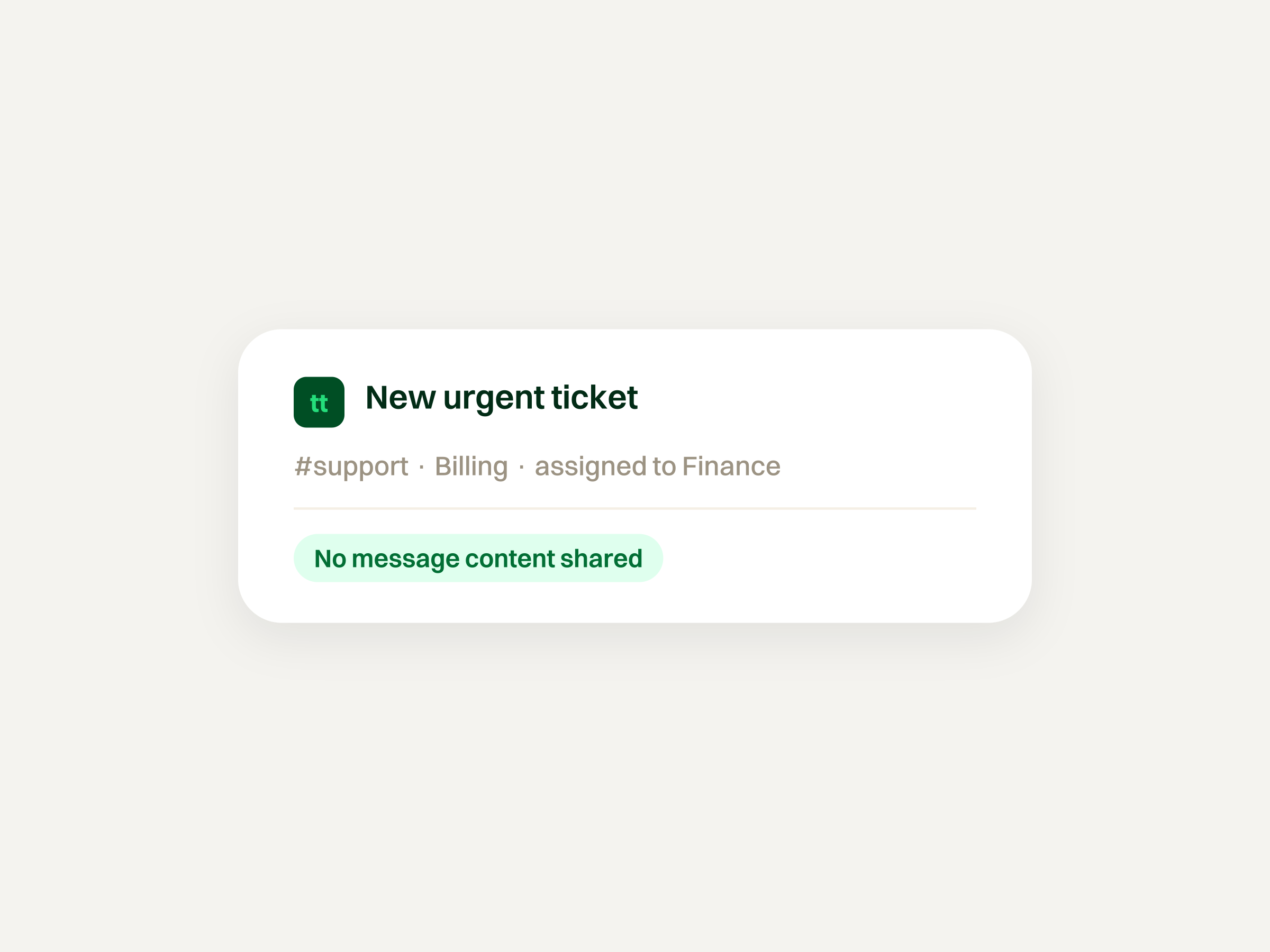
Automations help with routing and context, but they can over-share if alerts or rules push personal data into the wrong channel. Keep rules tight; see helpdesk automation.
Check the sending model for each channel. Reviewing an email draft gives an agent a chance to catch incorrect claims or information that should not be shared before sending. Direct AI chat answers reach visitors without that check.
Knowledge grounding and access to a person can help, but neither guarantees that an answer is correct or appropriate to share. Review the source material available to AI, the content sent to integrations, and how the team handles mistakes. Human review also does not undo processing that already occurred when the draft was generated.
There There's AI behavior to account for
There There, built by Spatie in Antwerp, Belgium, uses different sending models for email and its chat widget:
- Email: AI drafts replies on tickets. A person reviews, edits, and sends.
- Chat widget: AI answers visitors directly from team knowledge and past tickets, without human review before sending.
- Human handoff: Every AI chat answer offers a way to reach a person. Asking for one creates a ticket with the full transcript, and the team can reply in the widget or by email.
AI uses docs, help articles, connected sources, and past tickets. Maintaining those sources matters, but grounding does not guarantee correct answers or prevent every inappropriate disclosure.
AI chat is available on paid plans and is enabled by default in new chat widgets. The widget currently does not tell visitors they are talking to AI before the first answer.
Use AI for routine questions and people for upset customers, refunds, and edge cases. These operating choices should be assessed alongside the vendor's current DPA, subprocessor documentation, retention terms, and access controls. They do not replace that documentation.
Frequently asked questions
What is a GDPR compliant helpdesk?
It is a helpdesk used with the contracts, configuration, and practices needed to meet applicable data-protection obligations. Assess the vendor's documentation and controls alongside how your own team collects, uses, shares, and retains support data.
Does a hosting statement cover all processing?
No. Storing support records and processing conversation content for AI, email delivery, or integrations are separate activities. Ask the vendor to explain each and identify the providers involved.
How should we assess There There's GDPR documentation?
Request its current DPA, subprocessor information, retention terms, and documentation for access, export, and deletion. Check how those documents cover the features your team uses, including direct AI chat answers. Do not treat the sending model as proof of compliance.
What should we check in the DPA?
Check that it addresses the service and processing you intend to use, including relevant subprocessors, security measures, assistance with customer requests, and deletion or return of data. Resolve unclear terms with the vendor and your data-protection adviser.
What should I ask about AI features?
Ask what content AI receives, which providers process it, what retention and training-use terms apply, which features are enabled by default, and what controls are available. Also check whether answers are reviewed before sending and how customers reach a person.
Does There There review every AI answer before sending?
No. On email tickets, AI drafts replies for a person to edit and send. In the chat widget, AI answers visitors directly. Every AI chat answer offers a way to reach a person; requesting one creates a ticket with the full transcript.
Does There There's chat widget identify itself as AI before answering?
Currently, it does not tell visitors they are talking to AI before the first answer. Account for that disclosure gap when assessing how you introduce the channel to customers.
Are “best GDPR helpdesk software” lists enough?
No. A comparison can help identify products to investigate, but verify the current documentation, contractual terms, and available controls for each shortlisted vendor.
Does human review remove privacy risk?
No. Reviewing a draft can help catch information that should not be sent to the customer, but reviewers can miss mistakes. It also does not undo any processing that occurred while generating the draft. Access controls, source selection, retention practices, and contractual arrangements still matter.