Setting up a help center
Creating a help center
- Go to "Settings" and open "Help center".
- Click "Create help center".
- Pick the brain whose public articles should be published, and give the help center a name.
The address is generated from the name and can be changed later. The help center is live immediately on its hosted address, there-there.app/help-center/{address}.
Not sure what a help center is? Start with what is a help center.
Appearance
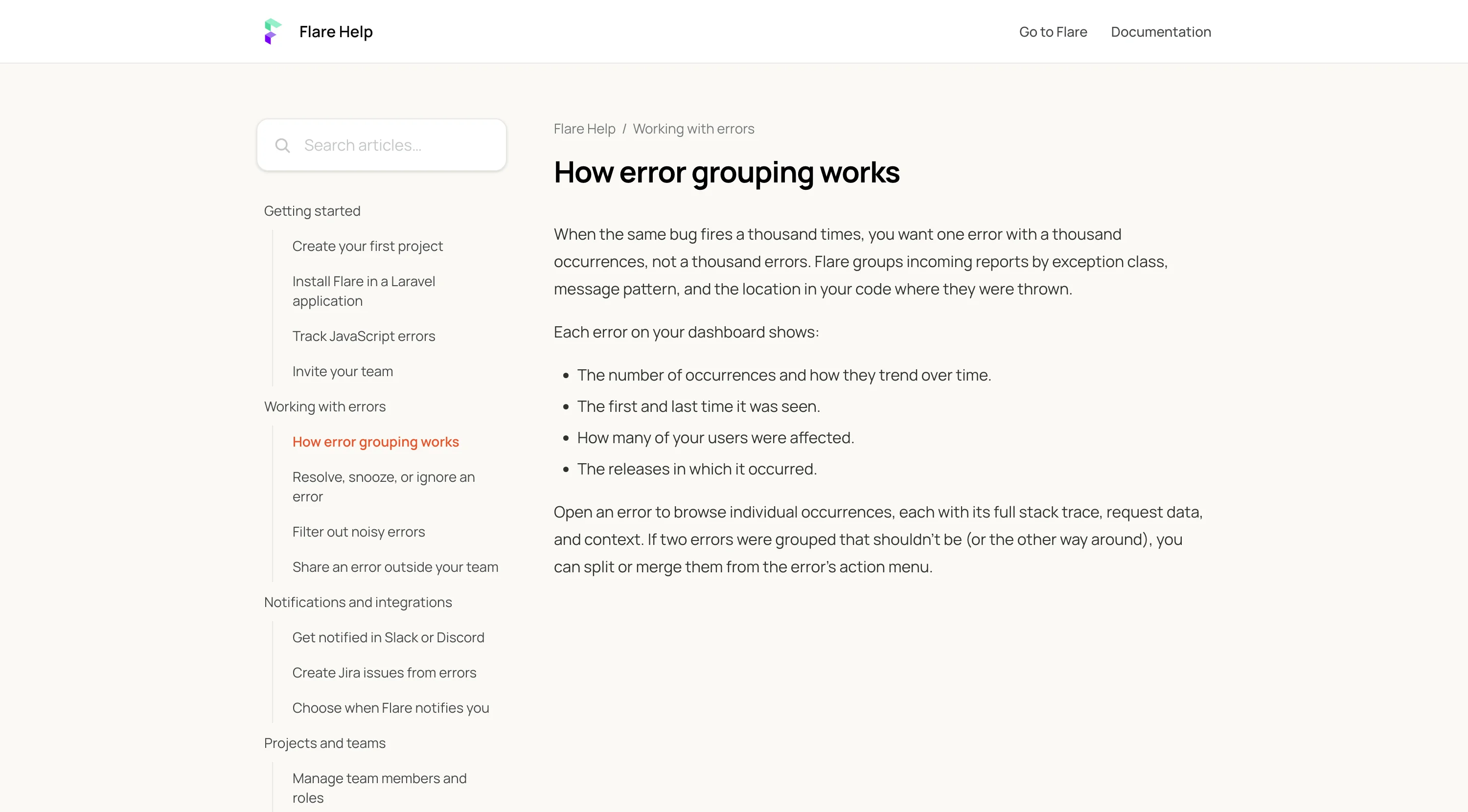
In the help center's "Appearance" tab you can adjust the site to match your product:
- A logo, shown in the header instead of the plain site name.
- A brand color, used for accents like links and buttons.
- A tagline, shown as the heading on the homepage.
- Header links, for pointing visitors to your main website or documentation.
Custom domains
By default a help center lives on there-there.app/help-center/{address}. On the "Custom domain" tab you can serve it on a domain of your own, like help.yourproduct.com:
- Enter the domain and save.
- Add a CNAME record at your DNS provider pointing your domain to the value shown in the tab.
- Click "Check status" (the tab also checks automatically) to verify the record.
Once the DNS record is verified and the TLS certificate is issued, the custom domain becomes the primary address, and canonical URLs point there. You can optionally turn off the hosted address, in which case it permanently redirects to your custom domain.
Use a subdomain such as help.yourproduct.com. Root domains cannot point to us with a CNAME record. If your domain has CAA records, make sure they allow Cloudflare's certificate authorities. Domains that stay unverified for a week are removed automatically, so a domain you do not control can never stay claimed.
Taking a help center offline
In the "Danger zone" tab you can disable a help center, which takes the public site offline while keeping all settings. Visitors get a not found page until you enable it again. Deleting a help center removes the site and its settings permanently, but never touches the articles themselves.